Create a careers page: in five minutes, without a web agency
A careers page with all open positions, search, filters and application in 60 seconds. At its own address or embedded in your website.
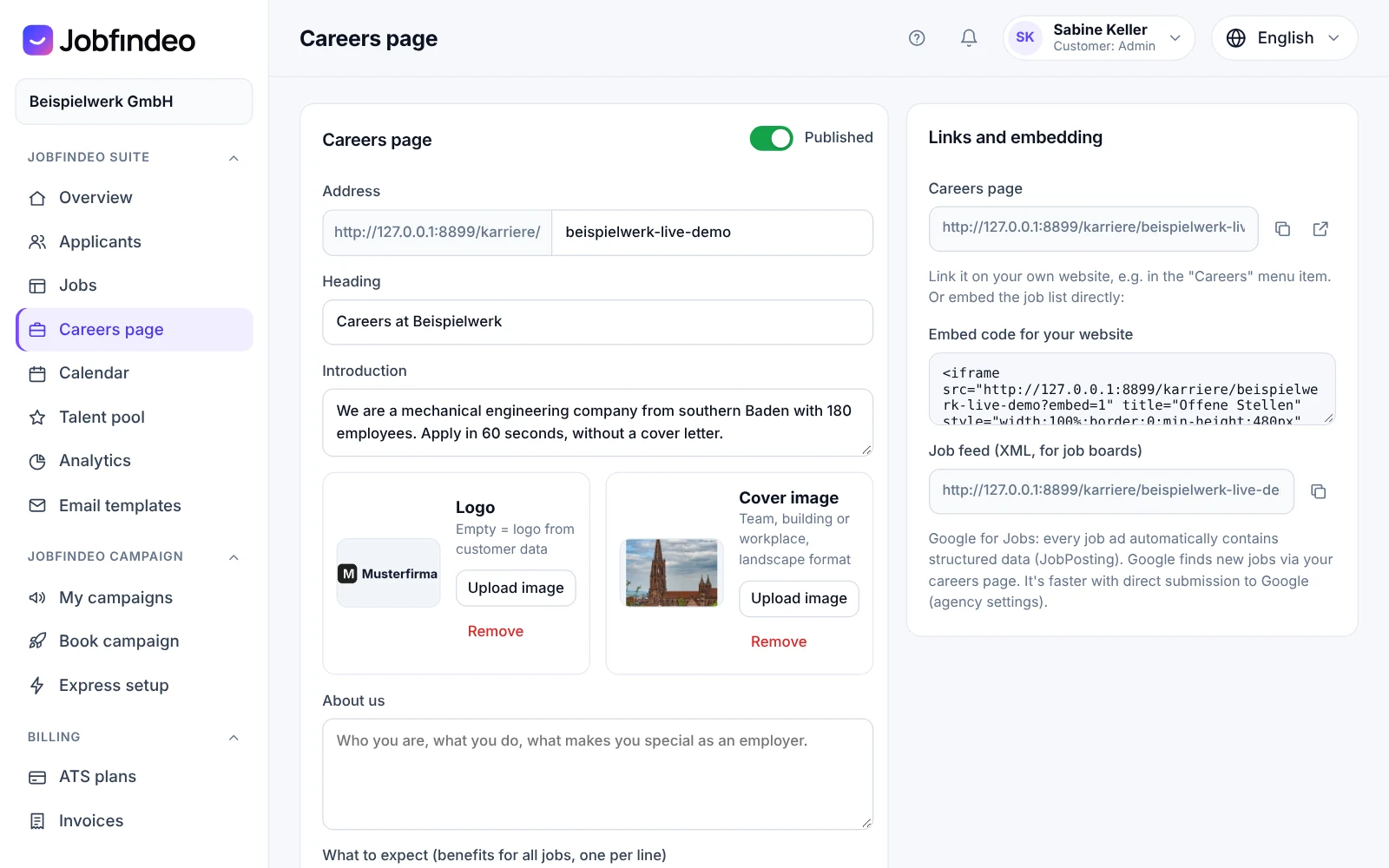
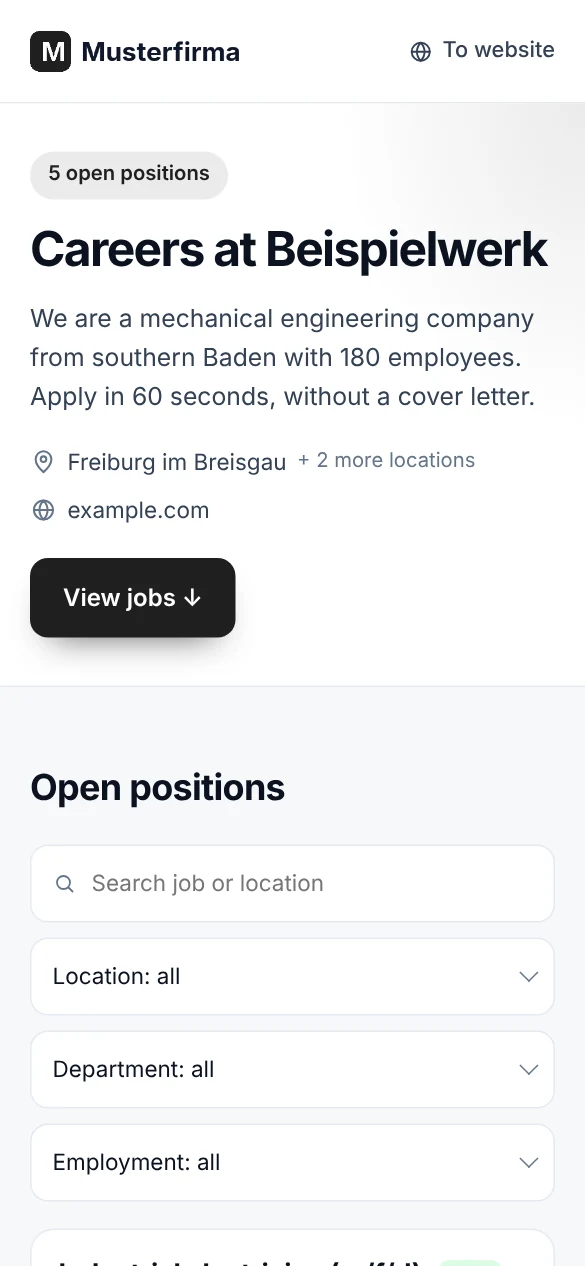
Heading, text, benefits. Done.
You enter what makes your company special, upload logo and cover image and publish. All jobs appear automatically with search and filters by location, area and employment type.
- Own address: jobs.jobfindeo.de/your-company
- Search and filters for applicants
- Job pages with tasks, profile, salary and contact person
- Optimised for mobile
On your website in two minutes.
Copy the embed code into your website, for example under "Careers". New jobs appear there automatically, without your web agency having to do anything.
- Embedding via iframe for WordPress, Jimdo, Wix and others
- Or simply link to it from the menu
- Job feed (XML) for job boards
- Sitemap for search engines
Questions about the careers page
How do I create a careers page?
In Jobfindeo under "Careers page": choose an address, enter a heading, introduction, about-us text and benefits, upload logo and cover image, publish. All jobs you create with the job assistant appear automatically.
Do I need my own website for the careers page?
No. The careers page has its own address and works on its own. If you have a website, you embed it with a code or link to it.
Do my jobs appear on Google?
Every job is optimised for Google for Jobs: structured data according to Google's standard, a sitemap and optionally a direct notification to Google. Whether and when a job appears there is decided by Google with its own algorithms. There's no guarantee for this.
Can I adapt the careers page to my design?
You customise logo, cover image, texts and accent colour. The layout is deliberately simple and optimised for smartphones.

Start for free with Jobfindeo.
With Jobfindeo ATS Free one job is free forever. Create an account, set up a job, share the link. No payment details, no minimum term.